Ask your AI about your training.
Connect your AI lets your own Claude or ChatGPT read your Vertex workouts and sets, so you can ask about them in your own words. It is free and takes about a minute.
Vertex has no AI of its own. The assistant is yours, and it reads your training through a personal link.
How to connect it
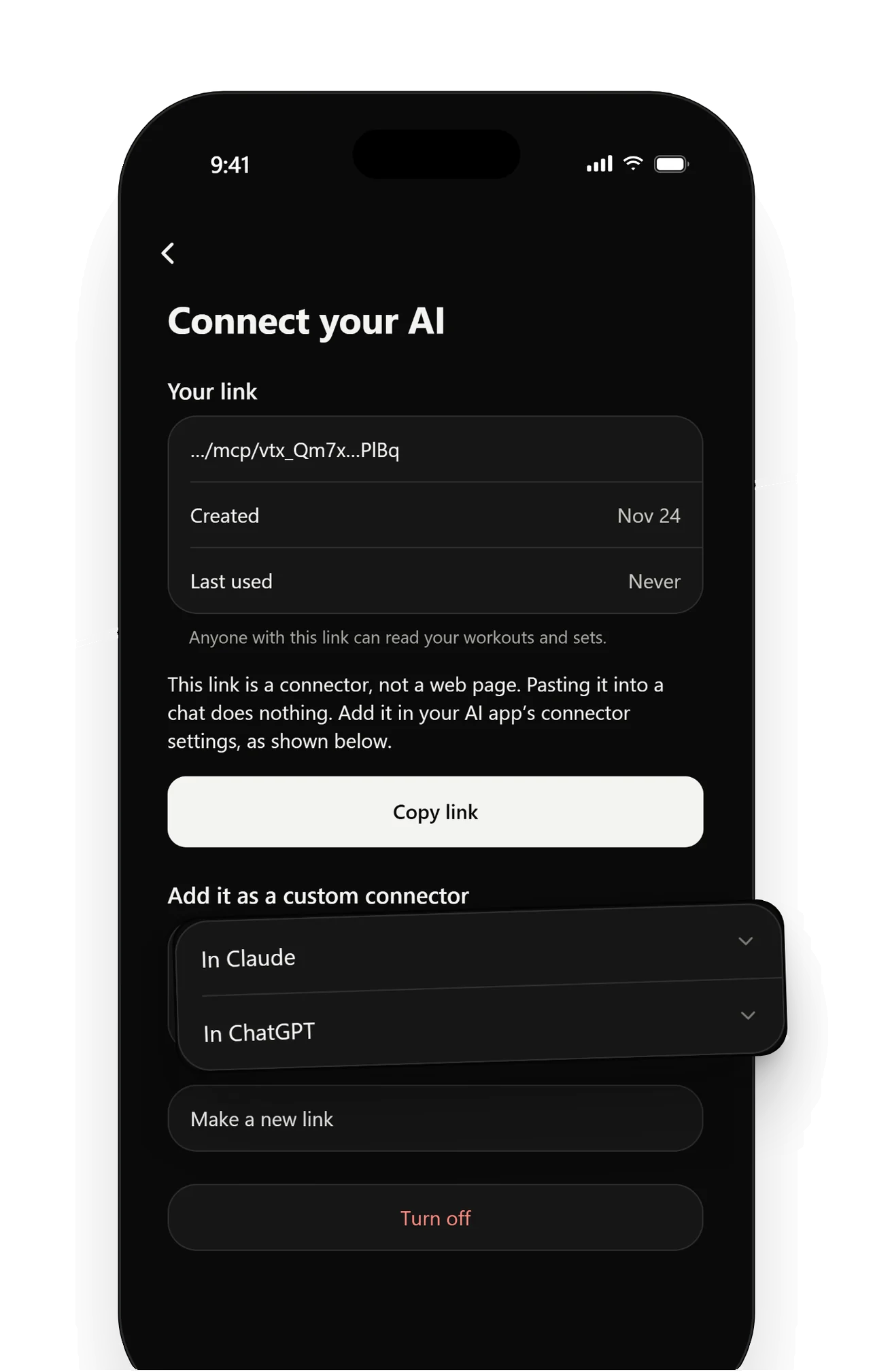
- 1Turn on your linkIn the app, open Settings > Data > Connect your AI (it is also a row on the Workout tab), turn on your personal link and tap Copy link.
- 2Add it to your AI appAdd the link as a custom connector in Claude or ChatGPT. Pasting it into a chat does nothing: it goes in the app’s connector settings, as their own guides show.
- 3Ask in your own wordsStart a chat and ask about your training. Your assistant reads your workouts and sets to answer.
ChatGPT offers custom connectors on some plans and settings only.
Things to ask
- How has my bench moved since September?
- Which muscles did I train least this month?
- How many sets did I do for legs each week in October?
- Which of my lifts have not gone up in the last six weeks?
What it can and can’t see
Read-only
Your assistant can read your training. It can never change, add or delete anything.
Workouts and sets only
No profile, photos, routines, followers or anything social.
Yours to turn off
The link works until you turn it off, which you can do at any time. Making a new link ends the old one.
Anyone with the link can read your workouts and sets, so keep it to yourself. Your AI app handles what it reads under its own terms. Privacy Policy
Prefer a spreadsheet?
On iPhone, Settings > Data > Export training data saves every set you have logged as a CSV file, one row per set.
Questions
Your training, in your words.
Log a few workouts, connect your AI and ask away. Free, like everything in Vertex.